

Have you ever saved an image for your school project and then suddenly thought, “Wait… is this image real or made by AI?” If yes, you’re not alone at all. Nowadays, we find images everywhere Google, Pinterest, Instagram, WhatsApp forwards, and even in random blog posts. And honestly, many of them look so clear and so perfect that it becomes hard to understand what’s real and what’s created by AI.
Sometimes the image looks like a proper camera photo, but something still feels slightly different. That small doubt is very normal, especially for students who are using images for assignments, PPTs, posters, and project files.

The best part is you don’t need to be a tech expert to check an image. You don’t need any complicated software or special knowledge. With a few simple checks, a little observation, and some common sense, you can quickly get a better idea about the image.
Once you start doing it regularly, it becomes a small habit, just like checking spelling before submitting homework. And trust me, this habit makes your work look more clean, more confident, and more correct.
Why Students Should Check Images Before Using Them
Students use images in assignments, presentations, posters, and project files. When your images match your topic and look correct, your work feels more clear and more confident. It also helps you understand what you are adding, instead of just pasting random pictures.
Checking an image is like checking spelling before submitting your homework. It’s a smart habit that improves the quality of your work.
What an AI-Generated Image Means
An AI-generated image is a picture created using artificial intelligence. Instead of being clicked by a camera, it is made by a tool using text instructions. Many AI images look like real photos, but they are actually digital creations.
These images can be used for creative projects, posters, and design ideas. For factual topics like history, science, and real-life events, students usually prefer real photos from trusted sources.
Start With a Simple Zoom-In Check
The first step is very basic and very effective. Just zoom in and look closely. AI images often look perfect from far away, but small details can look a little unusual when you see them properly.
Look at faces, eyes, teeth, hair edges, and fingers. Also look at objects in the background. Sometimes AI creates background items that look half-formed or slightly confusing. If you notice that small parts look strange or unclear, it can be a sign that the image is AI-made.
Check Text Inside the Image
This is one of the easiest checks for students. If the image has any text on it, like a signboard, a book cover, a poster, or a label, look at the words carefully.
In many AI images, the text looks like real writing but it does not form proper words. Letters may look mixed, incomplete, or randomly shaped. Real photos usually have clean, readable text.
Notice If the Image Looks Too Perfect
Many AI images have a very polished look. The lighting feels like studio lighting. Skin looks too smooth. Colours look very balanced. Everything looks clean, like a professional photoshoot.
Real photos usually have natural imperfections. The lighting may be slightly uneven. The background may have normal clutter. The image may look more “normal” and less cinematic.
Look at Shadows and Lighting
Real photos follow natural light rules. If sunlight is coming from one side, the shadows will fall in one direction. AI images sometimes get this wrong.
If you notice shadows going in different directions or light falling strangely on objects, the image might be AI-generated. This check works well for outdoor photos, portraits, and images with many objects.
Check the Image Source
This is a very smart student habit. Always check where the image came from. If the image is from a trusted source like an educational site, museum website, official archive, or a known news platform, it is more likely to be real.
If the image is from an unknown social media account or a random blog with no credits, it’s better to check again before using it in your project.
Try Reverse Image Search
Reverse image search helps you understand where the image is used online. It can show you if the image appears in many places, if it comes from a stock photo site, or if it is part of an AI art post.
This is helpful for students because it gives context. It also helps you avoid using images that are being shared without clear source information.
Use an Online AI Image Detector
Sometimes an image looks real, and even after checking details, you still feel unsure. In that case, students can use an online tool to check.
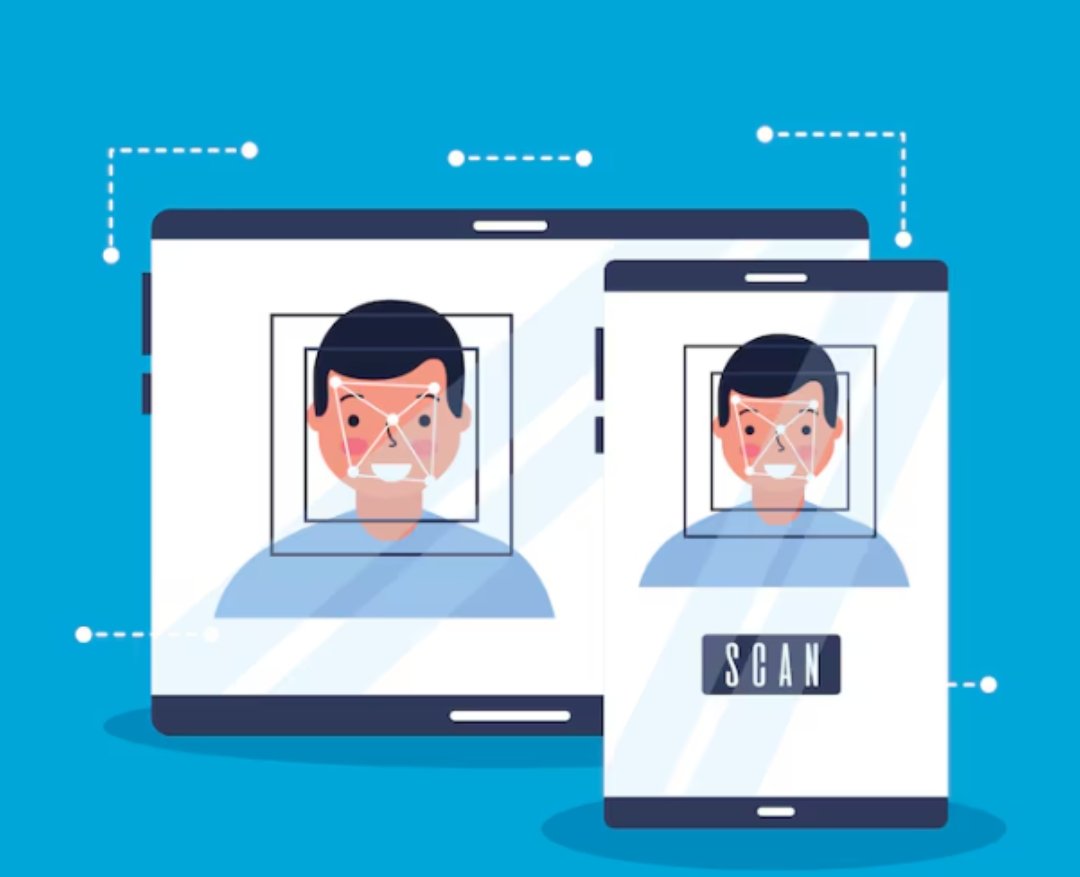
A tool like ai image detector can help you check if an image is likely AI-generated. This is useful for school projects, presentations, and research files when you want extra clarity before submitting your work.
Understand the Difference Between Creative and Factual Images
One important thing students should know is that AI images are not always wrong. Many AI images are used for creative work, illustrations, and concept visuals. They can look beautiful and can help in design-based projects.
But for factual topics, real images are usually better. For example, if your project is about a historical place, a real photo is more suitable than an AI-made version. If your topic is about planets or science, AI illustrations can be used, but it is better to use them as visuals and not as “proof.”
Use Common Sense Logic
This is the most human and most useful step. Ask yourself a simple question: does this image match real life?
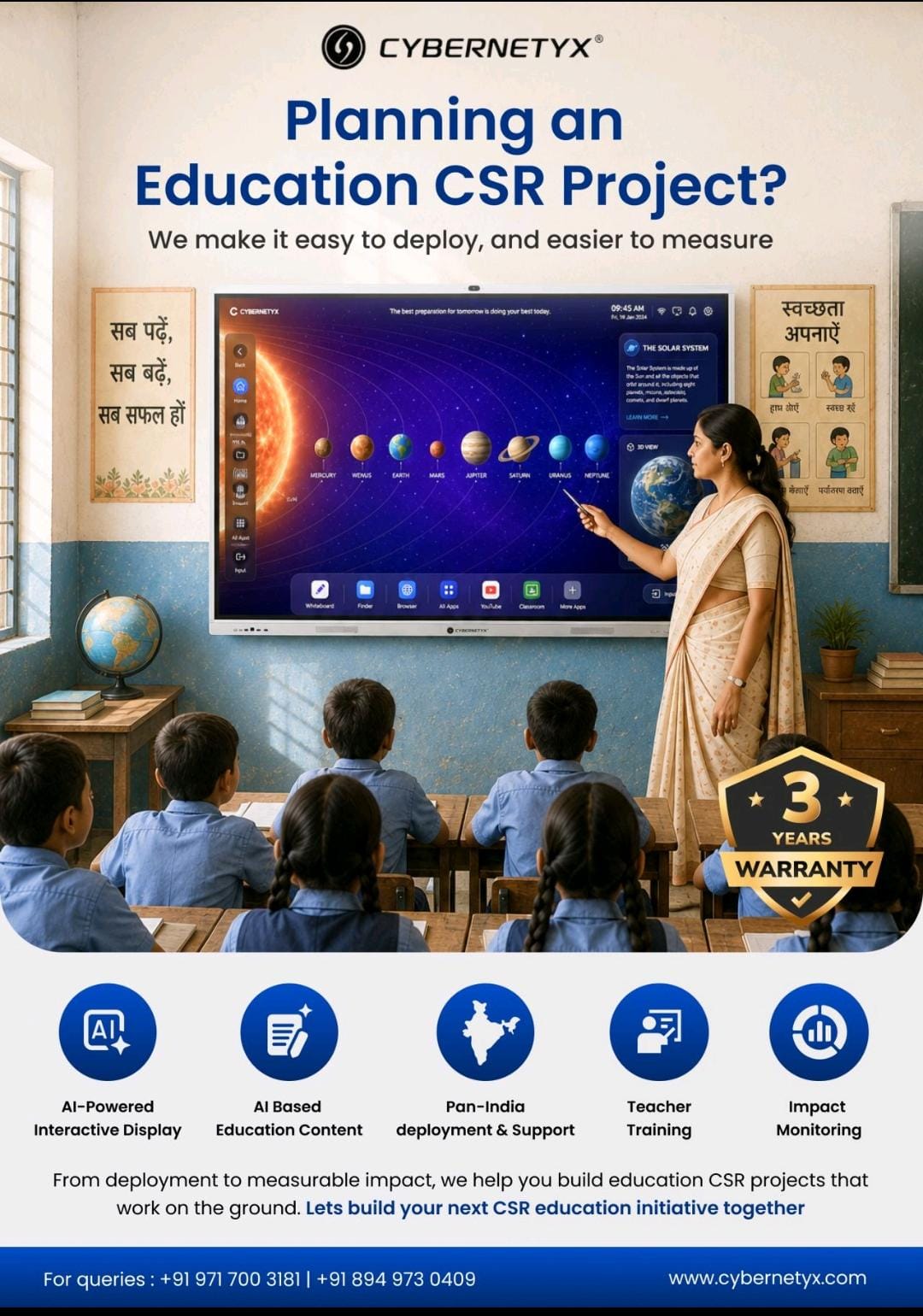
If a photo claims to be from a normal classroom, but it looks like a movie scene, it might be AI. If a wildlife image looks too clean and perfectly framed, it might be AI. If a “real person” looks like a magazine cover with perfect skin and perfect lighting, it might be AI.
Final Thoughts
AI-generated images are very common now, and many of them look realistic. That’s why students should build a simple habit of checking images before using them in assignments, projects, and presentations. By zooming in, checking text, looking at lighting, verifying the source, and using tools like an ai image detector when needed, students can feel more confident and keep their work clean, clear, and correct.